1. Introduction
Your Aadhar card is one of the most important identity proofs in India, issued by the Unique Identification Authority of India (UIDAI). It contains your demographic and biometric information like name, date of birth, address, and fingerprints.
But what if you move to a new place or find an error in your Aadhar details? Don’t worry — the UIDAI has made it super easy to update your Aadhar card online from the comfort of your home.
Thank you for reading this post. Don't forget to subscribe!
In this guide, we’ll walk you through the complete step-by-step process to update your Aadhar card online, along with some important tips to avoid rejections.
Aadhar card online update2. Step-by-Step Process to Update Aadhar Card Online
Step 1: Visit the Official UIDAI Website
Go to the official UIDAI portal:
👉 https://uidai.gov.in
This is the only official website where you can safely update your Aadhar details online.
Step 2: Click on ‘Update Aadhar Online’
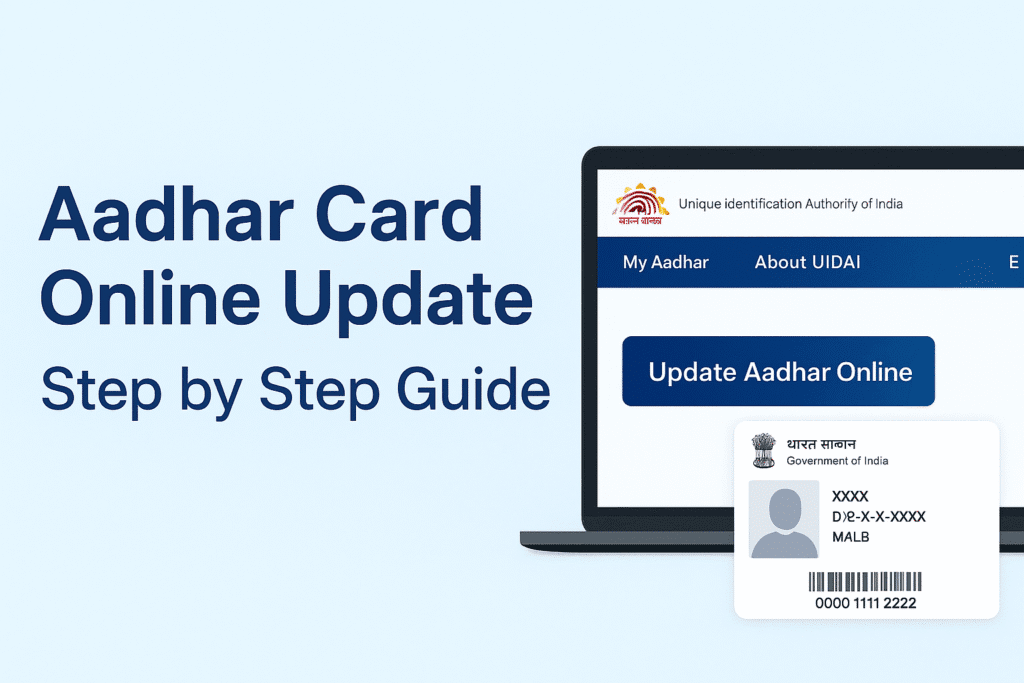
On the homepage, scroll to the “My Aadhar” section and select “Update Aadhar Online”.
You’ll be redirected to the Aadhar Self Service Update Portal (SSUP).
Step 3: Login with Your Aadhar Number
Enter your 12-digit Aadhar number, followed by the captcha code.
Then click “Send OTP” — you’ll receive a One Time Password on your registered mobile number.
Enter the OTP to log in.
Step 4: Choose the Field You Want to Update
Now, select which detail you want to update — such as:
- Name
- Date of Birth
- Address
- Gender
- Language
You can update these fields online without visiting any Aadhar center.
Step 5: Upload Supporting Documents
Depending on what you’re updating, you’ll need to upload scanned documents as proof:
- Address Update: Electricity bill, water bill, bank statement, or rent agreement.
- Name or DOB Update: PAN card, passport, or birth certificate.
Ensure your documents are clear and valid, otherwise your update request may get rejected.
Step 6: Pay the Online Update Fee
A small fee of ₹50 (subject to change) is charged for each online update.
You can pay via debit card, credit card, or net banking.
Step 7: Submit and Download the Update Request
Once payment is complete, submit your update request.
You’ll get an Update Request Number (URN) — keep it safe to track your status later.
To check your update status, visit the official UIDAI tracking page:
👉 https://myaadhaar.uidai.gov.in/check-aadhaar-update-status
3. Important Tips for Successful Update
- Always double-check the details before submission.
- Upload only clear, legible documents.
- Make sure your mobile number is linked to your Aadhar, otherwise you can’t receive OTPs.
- Avoid using unofficial websites — only update via UIDAI’s official portal.
4. Offline Update Option (If Needed)
If your mobile number is not linked, or if you need to update biometric data, visit your nearest Aadhar Enrollment Center with original documents.
You can find nearby centers here:
👉 https://appointments.uidai.gov.in/easearch.aspx
5. Conclusion
Updating your Aadhar card online is a quick and secure process if you follow the right steps.
Through the UIDAI’s official website, you can easily make changes to your personal details within minutes — without standing in long queues.
Just ensure your documents are valid, and always keep your Aadhar details accurate for hassle-free access to all government and financial services.
Check out our latest blog on How to Keep Your Online Banking Safe: Smart Tips for 2025
more about Business & Economy
About the Author